






$0
No credit card required
Free starter allowance
Try for free- Basic editing and exports
- AI images and motion graphics
- AI captions and music
- AI avatars; voice cloning and previews
- Web export limit: 60 minutes total
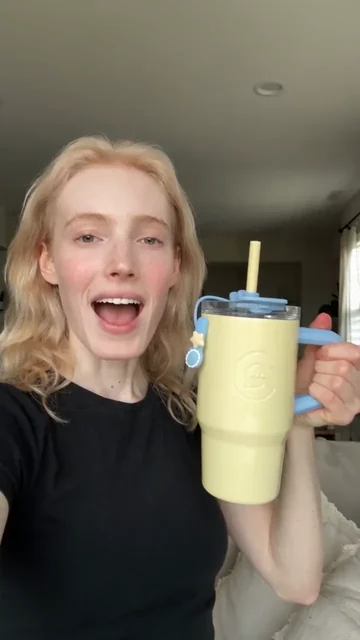
Pick a viral template, add your photo, and get the same shot starring you. Or recreate any viral video with your AI agent
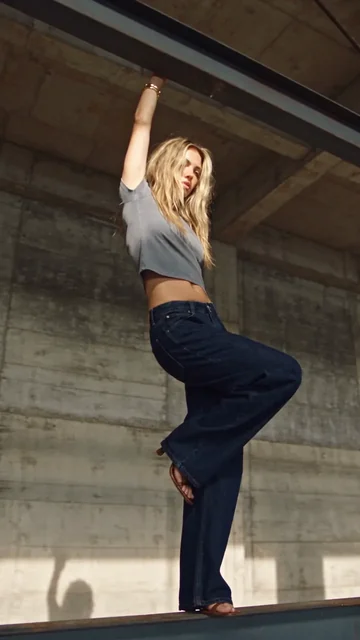
Hanging OrbitPro
14 templates
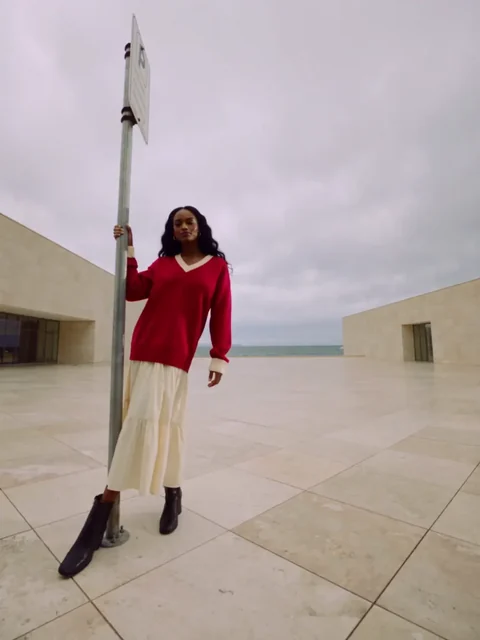
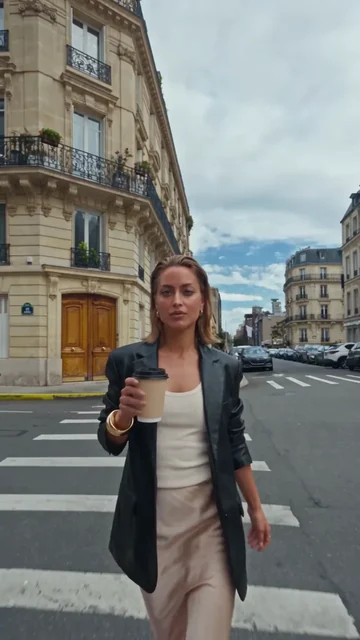
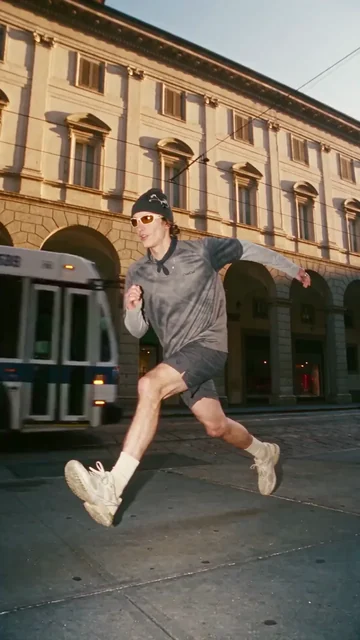
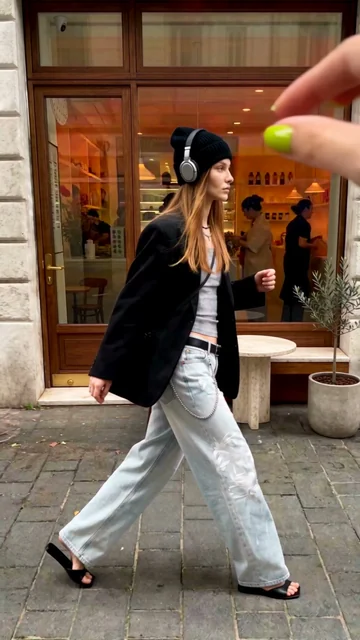
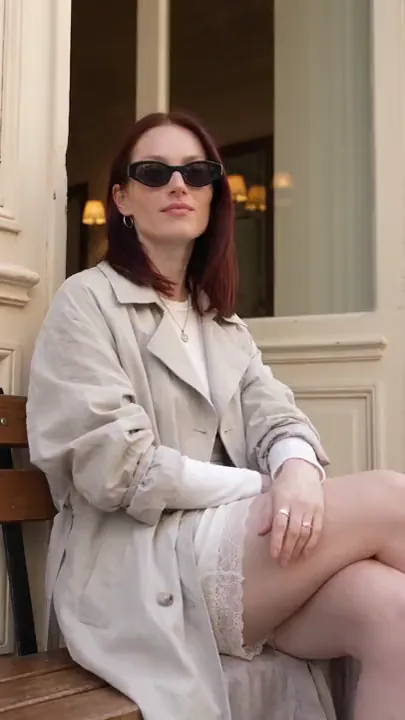
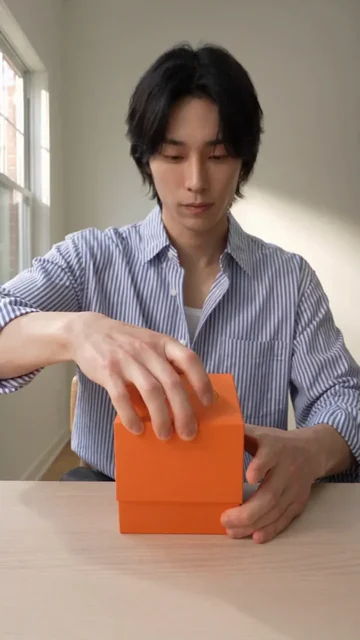
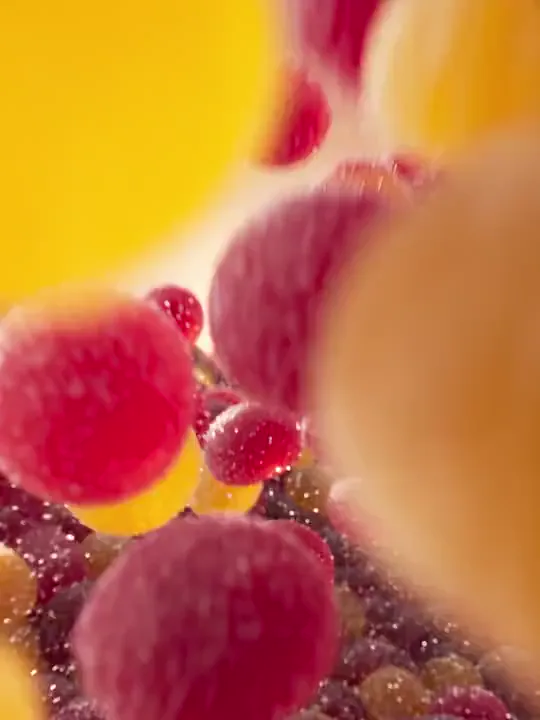
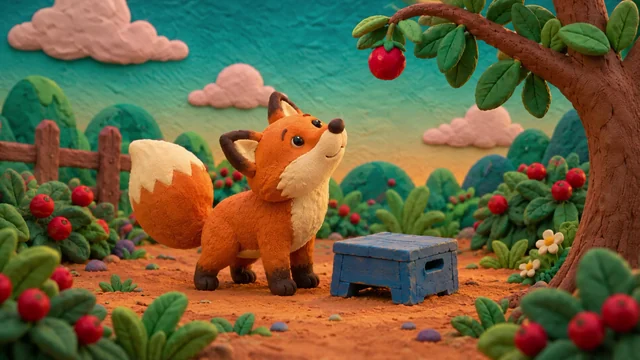
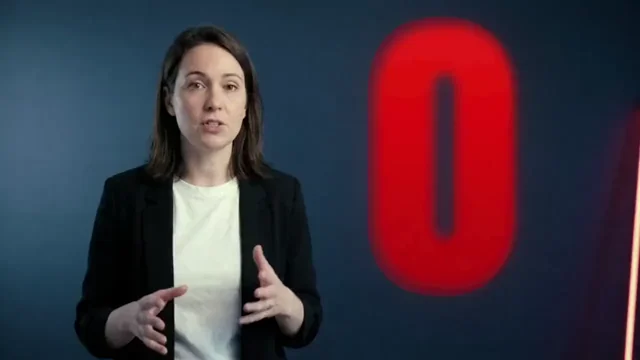
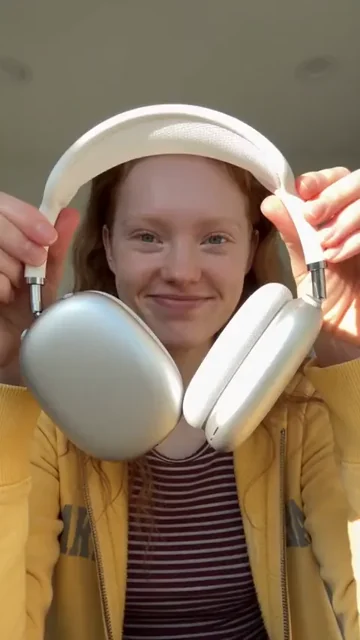
Viral Effects are camera tricks from short-form video: a time freeze, a street full of clones, an orbit around a hanging pose, a dive from orbit into a city. Each template keeps the trend’s camera move and timing, and you supply the person.
Pick a presenter from the library or upload one clear photo of a person, add a scene direction where the template takes one, and choose the duration and aspect ratio where it offers a choice.
Upload one clear character image and optionally describe the setting to create a short video with your character hanging from one hand as the camera orbits around them.
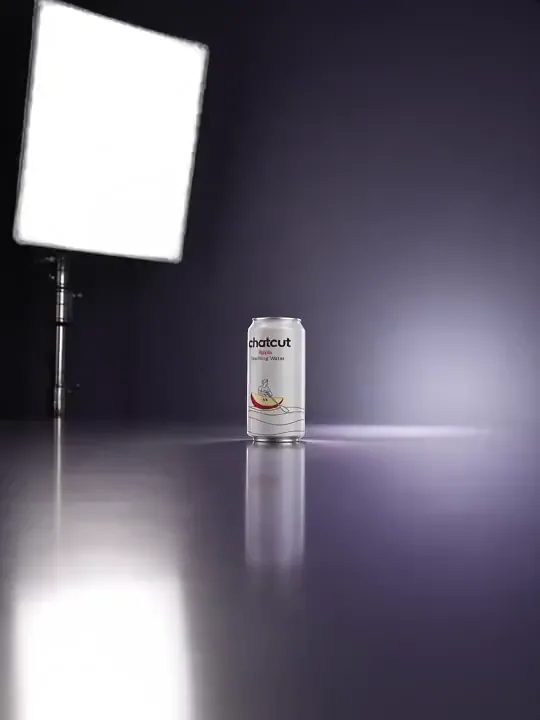
Choose a character and three items to showcase to camera in order during the fall. Describe each or add an image; leave blank to keep the example.
Upload one clear character image to create a short video where identical clones appear across the scene, ending with a close-up clone covering the lens with one hand.
Upload one clear character image and optionally describe the setting to create a short video where the character walks through a street as buildings and roads fold overhead.
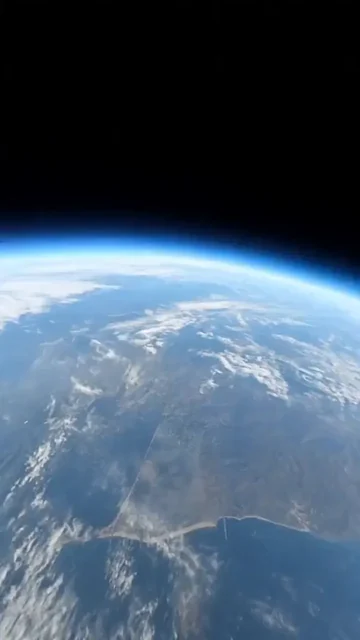
Upload one character image and optionally specify a location to create a continuous camera move that dives from Earth orbit through a city to your character.
Choose a character or upload a photo to create a time-freeze short in which the camera moves through a street scene with your character suspended mid-action.
Upload one character image and optionally describe the setting to create a short video combining your character with a street scene through a sticker-peel effect.
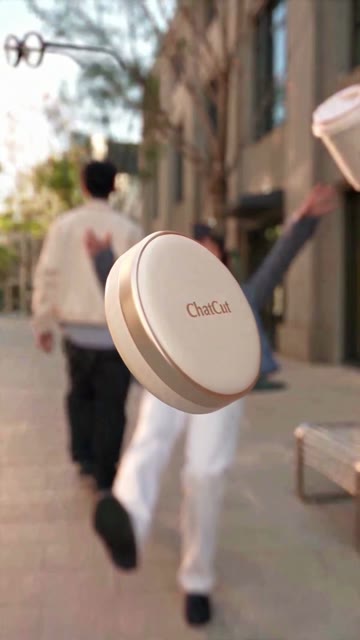
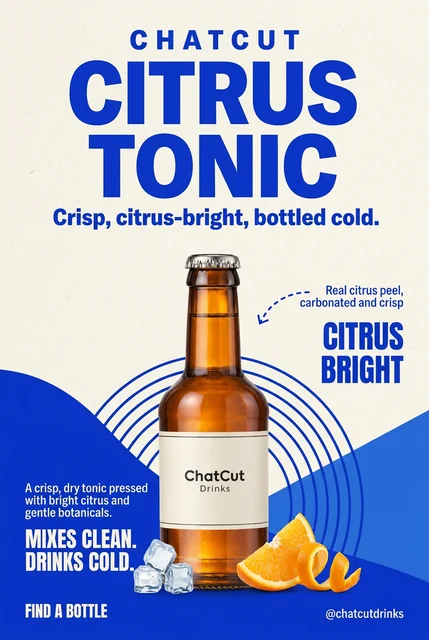
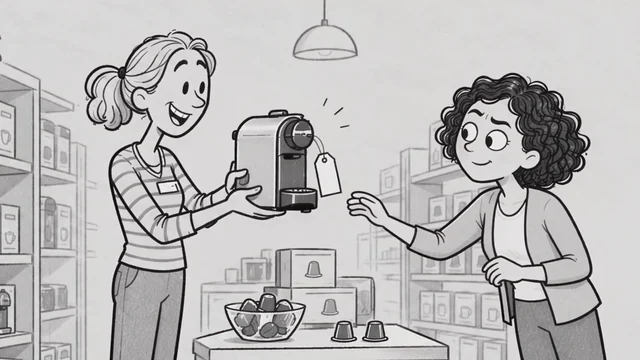
Choose or upload a character photo and add what you want to introduce. Create a playful clip where the character catches a falling object, uses it as a microphone and introduces the item. Dialogue is generated automatically.
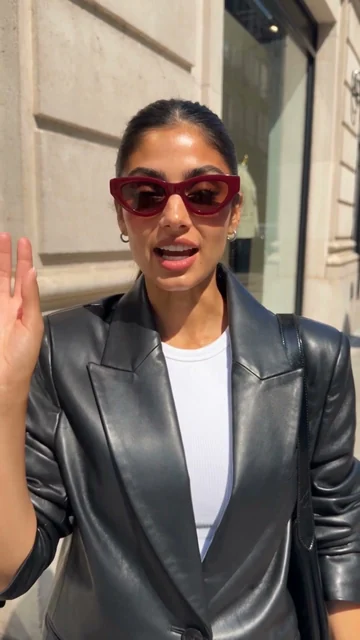
Choose or upload a character photo and add what you want to introduce. The camera accidentally bumps into the person, who turns around and casually introduces what they are wearing or carrying. Dialogue is generated automatically.
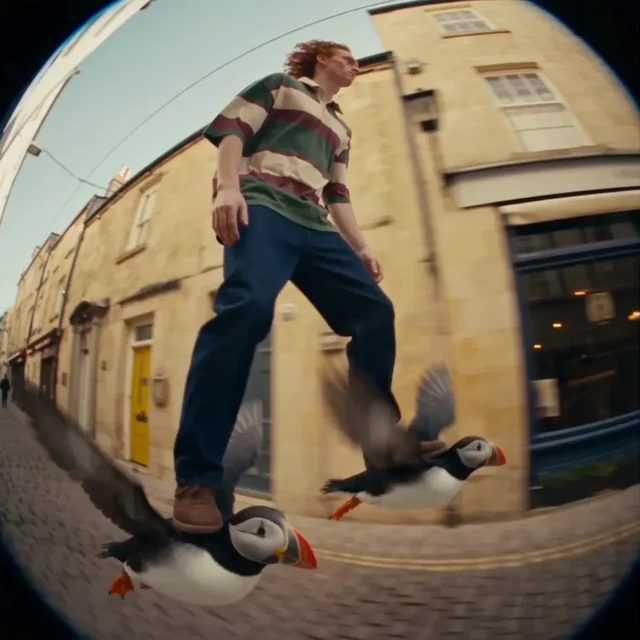
Upload one clear character image to create a short video of the character gliding down a street with one puffin beneath each foot, filmed with a fisheye tracking camera.
Upload one character image and optionally describe the setting to create a video with normal-sized and giant versions of the same character, as the giant lands and leaps out of frame.
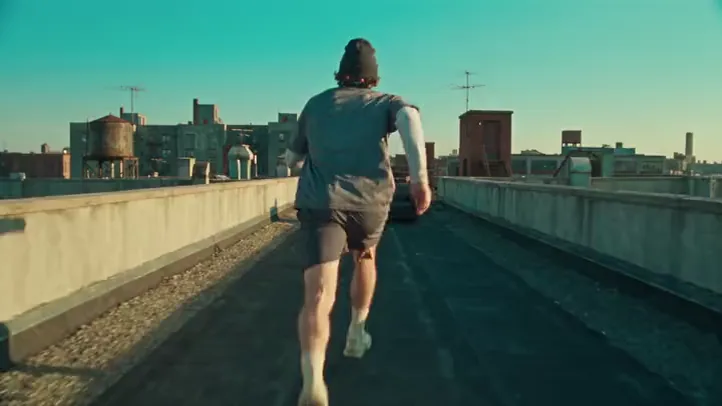
Upload one athlete reference, and optionally a rooftop scene image, to create a continuous parkour shot that connects running, obstacle vaults and landings with a close-following camera.
Create a short video using the Instant Rap template.
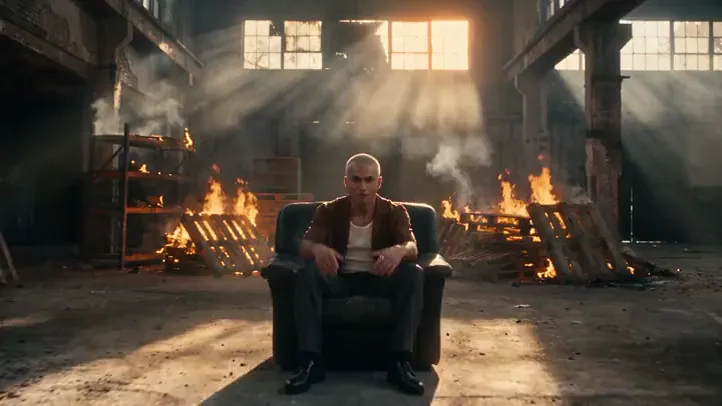
Create a short video using the Follow-cam Rap template.
Trusted by 350,000+ creators
Unlock member features, models, and export allowances. Get more credits every month
No credit card required
Free starter allowance
Try for free$252 · Billed annually
100 credits / month
Get started$456 · Billed annually
200 credits / month
Get started$1692 · Billed annually
800 credits / month
Get started
 Codex
Codex Claude
 WorkBuddy