










$0
クレジットカード不要
新規ユーザー向け無料枠
無料で試す- 基本的な編集と書き出し
- AI画像・モーショングラフィックス生成
- AI字幕・音楽生成
- AIアバター・音声クローンの作成と試聴
- Web書き出し上限:合計60分
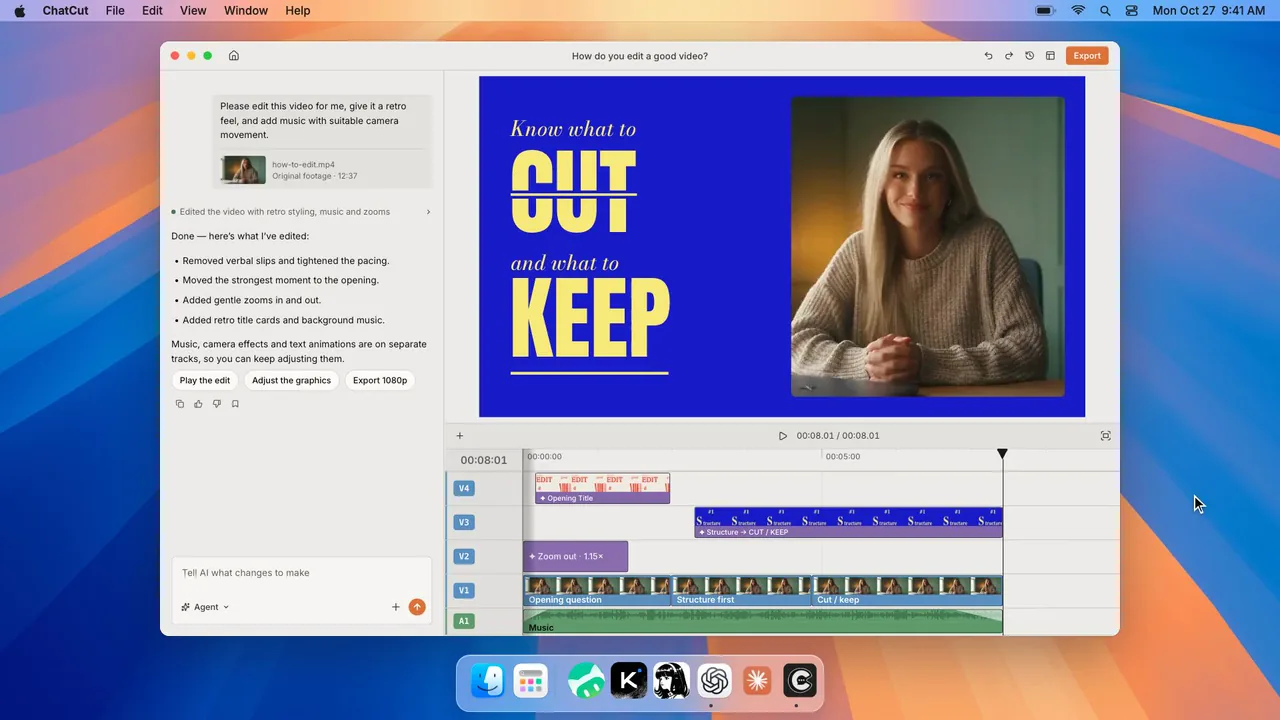
テンプレートを選んで写真を追加するだけ。主役があなたの同じショットに。 または、AI エージェントでどんなバズ動画も再現
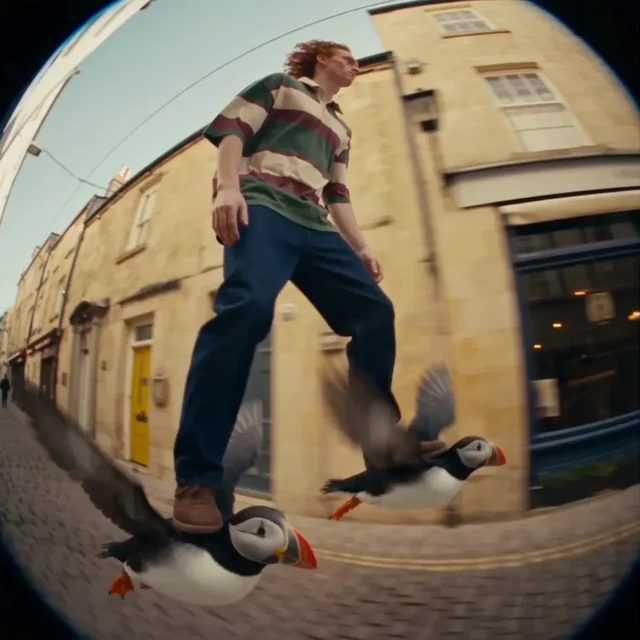
Puffin ExpressPro
14 件のテンプレート
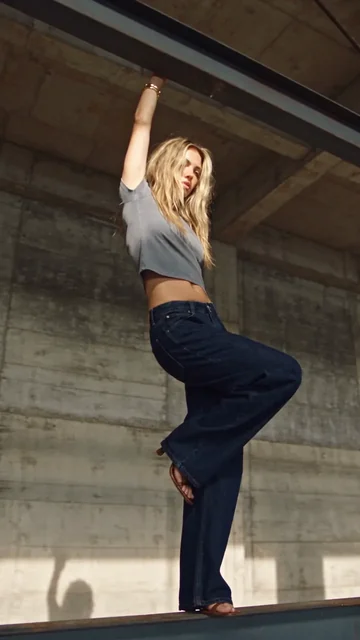
Upload one clear character image and optionally describe the setting to create a short video with your character hanging from one hand as the camera orbits around them.
Choose a character and three items to showcase to camera in order during the fall. Describe each or add an image; leave blank to keep the example.
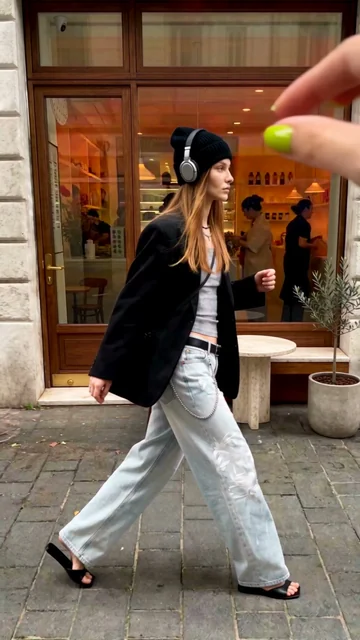
Upload one clear character image to create a short video where identical clones appear across the scene, ending with a close-up clone covering the lens with one hand.
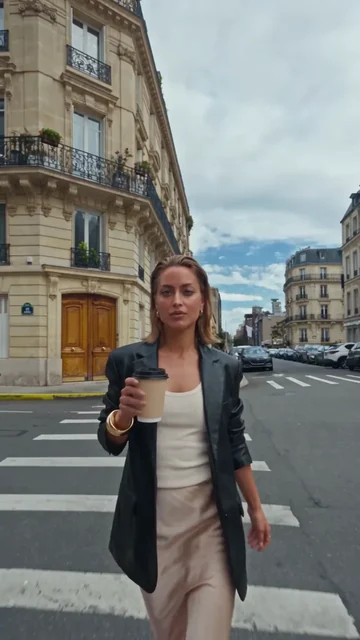
Upload one clear character image and optionally describe the setting to create a short video where the character walks through a street as buildings and roads fold overhead.
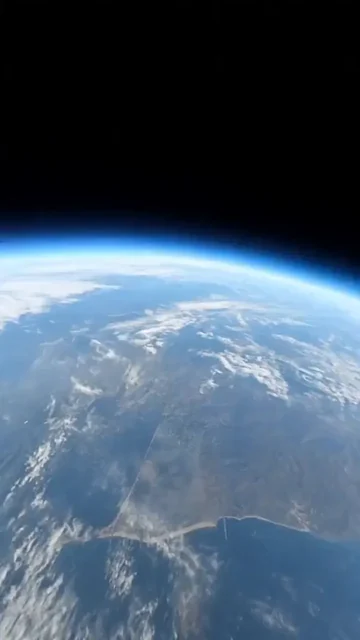
Upload one character image and optionally specify a location to create a continuous camera move that dives from Earth orbit through a city to your character.
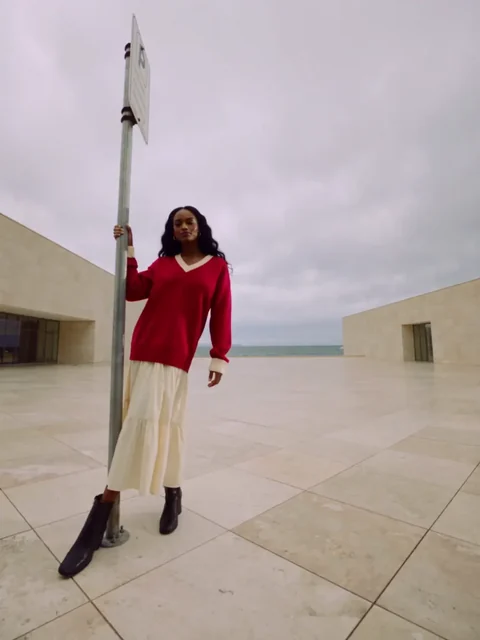
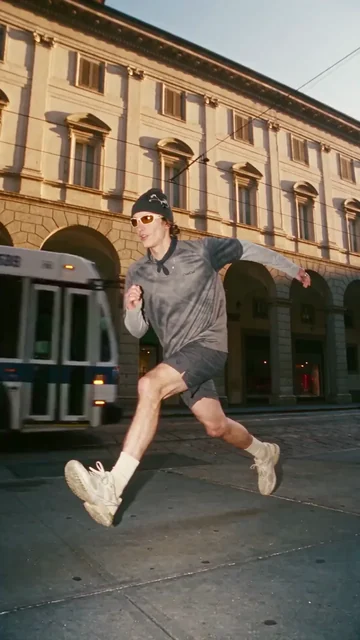
Choose a character or upload a photo to create a time-freeze short in which the camera moves through a street scene with your character suspended mid-action.
Upload one character image and optionally describe the setting to create a short video combining your character with a street scene through a sticker-peel effect.
Choose or upload a character photo and add what you want to introduce. Create a playful clip where the character catches a falling object, uses it as a microphone and introduces the item. Dialogue is generated automatically.
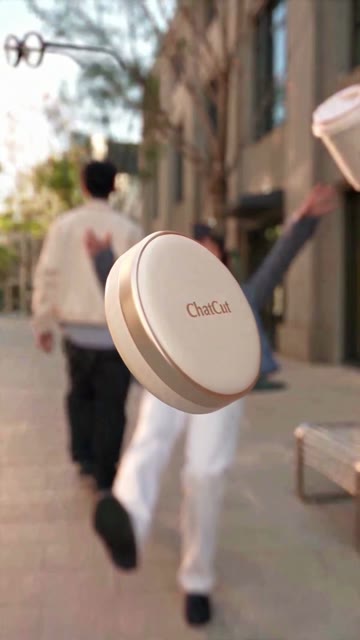
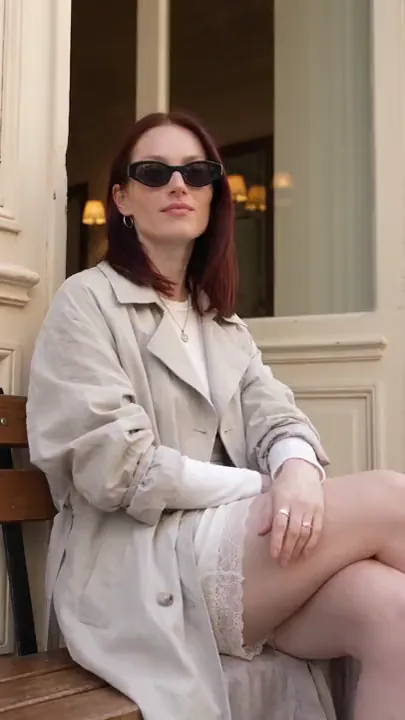
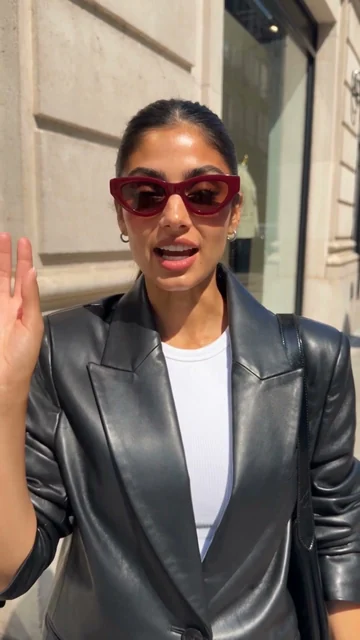
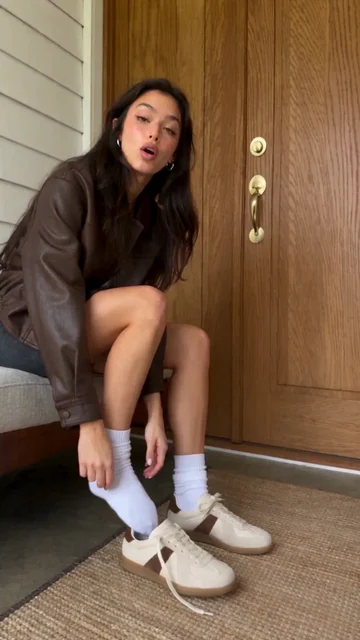
Choose or upload a character photo and add what you want to introduce. The camera accidentally bumps into the person, who turns around and casually introduces what they are wearing or carrying. Dialogue is generated automatically.
Upload one clear character image to create a short video of the character gliding down a street with one puffin beneath each foot, filmed with a fisheye tracking camera.
Upload one character image and optionally describe the setting to create a video with normal-sized and giant versions of the same character, as the giant lands and leaps out of frame.
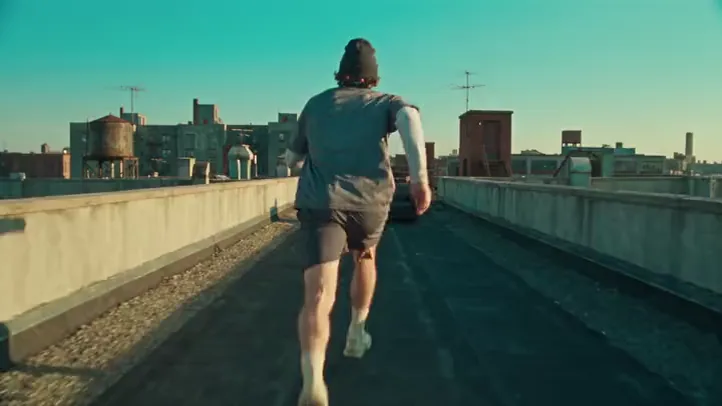
Upload one athlete reference, and optionally a rooftop scene image, to create a continuous parkour shot that connects running, obstacle vaults and landings with a close-following camera.
Create a short video using the Instant Rap template.
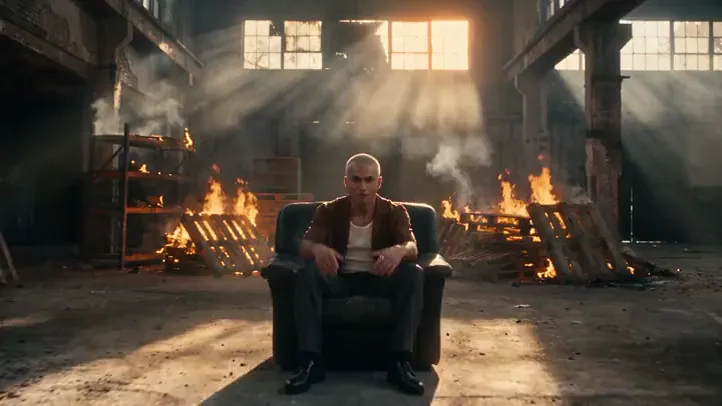
Create a short video using the Follow-cam Rap template.

35万人以上のクリエイターに選ばれています
メンバー機能・モデル・書き出し枠を解放し、毎月より多くのクレジットを獲得
クレジットカード不要
新規ユーザー向け無料枠
無料で試す$252 · 年額一括でお支払い
月100クレジット
はじめる$456 · 年額一括でお支払い
月200クレジット
はじめる$1692 · 年額一括でお支払い
月800クレジット
はじめる
 Codex
Codex Claude
 WorkBuddy